


Network security is no longer just a firewall sitting at the edge of the office. Modern businesses rely on cloud applications, Microsoft 365, remote workers, mobile devices, wireless networks, third-party platforms and constantly changing user access.
That means your network now stretches across offices, homes, cloud systems, devices and identities. If one part is weak, attackers may use it as a way into the rest of the business.
The good news is that strong network security does not need to be mysterious. Most businesses can reduce a lot of risk by getting the fundamentals right: access control, MFA, patching, endpoint protection, backups, monitoring, segmentation and staff awareness.
Below are 22 practical network security best practices every Australian business should review.
Book a Security Assessment View Cyber Security Services
What is network security?
Network security is the practice of protecting business systems, users, devices, applications and data from unauthorised access, disruption, misuse and cyber attack.
It includes the controls that sit between people, devices, servers, cloud platforms, business applications and the internet. This can include firewalls, identity management, email security, endpoint protection, wireless security, logging, backups and incident response planning.
The aim is simple: prevent avoidable attacks, detect suspicious activity early and help the business recover quickly if something does go wrong.
Why network security matters
A cyber incident can affect far more than IT. It can stop staff from working, delay client delivery, expose confidential data, disrupt finance systems and damage trust.
Strong network security helps protect:
- Client records and confidential business data
- Microsoft 365, email and cloud applications
- Finance, payroll and operational systems
- Laptops, mobiles, servers and remote users
- Backups and disaster recovery capability
- Business reputation and client confidence
Security does not need to slow the business down. Done properly, it creates a safer, cleaner and more reliable environment for people to work in.
22 network security best practices
1. Control who can access your network
Access control is the foundation of network security. Staff should only have access to the systems, files and applications they genuinely need for their role.
Why it matters: if one account is compromised, least privilege helps limit how far the attacker can move.
- Use role-based access groups
- Remove shared accounts where possible
- Review access regularly
- Disable accounts when staff leave
- Separate standard user accounts from administrator accounts
2. Strengthen identity management
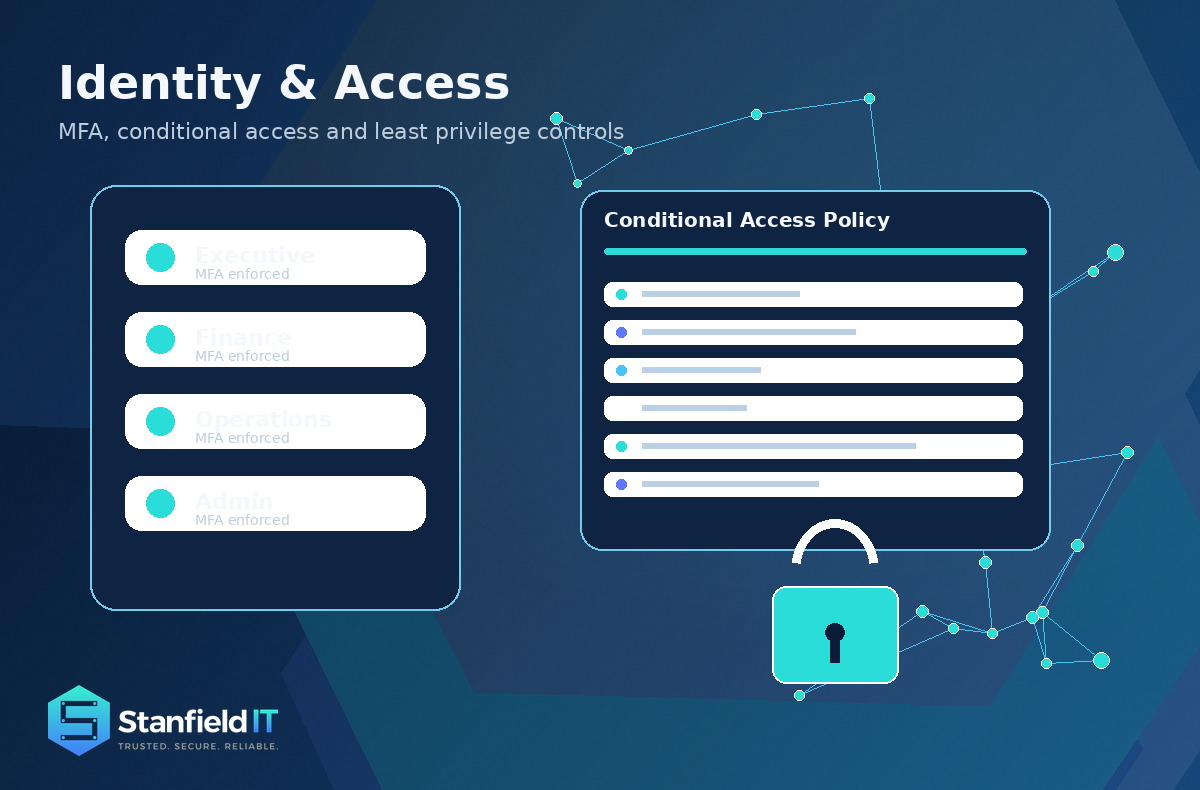
For many businesses, identity is now the front door. Microsoft 365, Entra ID, Google Workspace and cloud applications all depend on strong identity controls.
Why it matters: attackers often do not need to break in when they can simply log in using stolen credentials.
- Enforce multi-factor authentication
- Use Conditional Access policies
- Monitor suspicious sign-ins
- Review privileged accounts
- Remove dormant users and old guest access
3. Use modern anti-malware and EDR
Traditional antivirus is no longer enough on its own. Modern endpoint detection and response tools monitor behaviour across laptops, desktops and servers.
Why it matters: many attacks use legitimate tools in malicious ways. EDR helps detect unusual behaviour before it turns into a larger incident.
4. Secure business applications
Every application connected to your environment needs to be maintained, reviewed and secured. This includes accounting systems, CRMs, file sharing tools, custom applications and cloud platforms.
Why it matters: forgotten or poorly managed applications are often easier to attack than core systems.
5. Protect physical and network hardware
Routers, switches, wireless access points, servers, firewalls and backup appliances all need lifecycle management. Old hardware can become a performance risk and a security risk.
Why it matters: unsupported or misconfigured equipment can create avoidable exposure.
- Keep firmware up to date
- Restrict admin access
- Back up device configurations
- Replace unsupported hardware
- Document ownership and warranty status
6. Use AI-assisted threat detection carefully
AI-assisted security tools can help identify unusual patterns, prioritise alerts and detect behaviour that may not match normal business activity.
Why it matters: AI can improve detection, but it does not replace human review, clear escalation paths and proper incident response.
7. Improve email security
Email remains one of the most common ways attackers reach staff. Phishing, invoice fraud, impersonation and malicious links often begin with a simple message.
Why it matters: email security protects both technology and people.
- Configure SPF, DKIM and DMARC
- Use phishing protection
- Scan links and attachments
- Warn users about external senders
- Review mailbox forwarding rules
- Train staff to report suspicious emails
8. Use a modern firewall
A firewall is still important, but it needs to be properly managed. A modern firewall should support logging, VPN controls, application awareness, threat prevention and clear rule management.
Why it matters: a firewall that is out of support, poorly configured or never reviewed gives a false sense of security.

9. Use intrusion detection and prevention
Intrusion detection and prevention tools help identify suspicious traffic, known attack patterns and unusual behaviour across the network.
Why it matters: prevention is useful, but detection is critical. If something gets past the first layer, you still need visibility.
10. Secure mobile devices
Mobile phones and tablets often hold business email, files, MFA prompts, chat messages and client information. They should be treated as part of the business security environment.
Why it matters: a lost or compromised mobile device can expose far more than people realise.
- Use mobile device management
- Require screen locks and encryption
- Enable remote wipe
- Apply app protection policies
- Separate business and personal data where possible
11. Secure wireless networks
Business WiFi should not be treated as a convenience feature. It is a business access layer and should be separated, monitored and secured properly.
Why it matters: weak wireless security can give unauthorised users a direct path into business systems.
- Separate guest WiFi from business systems
- Use strong encryption
- Review WiFi passwords
- Monitor for rogue access points
- Segment wireless traffic from critical systems
12. Strengthen cloud security
Cloud platforms still need configuration, monitoring and governance. Microsoft 365, Google Workspace, AWS, Azure and SaaS platforms all require proper security controls.
Why it matters: many cloud security issues come from weak identity controls, poor sharing settings or misconfiguration.
13. Secure remote access
Remote work is normal, but remote access needs strong authentication, logging and restrictions. VPNs, remote desktop tools and remote support platforms all need attention.
Why it matters: remote access is a high-value target because it can give attackers a direct path into business systems.
14. Segment your network
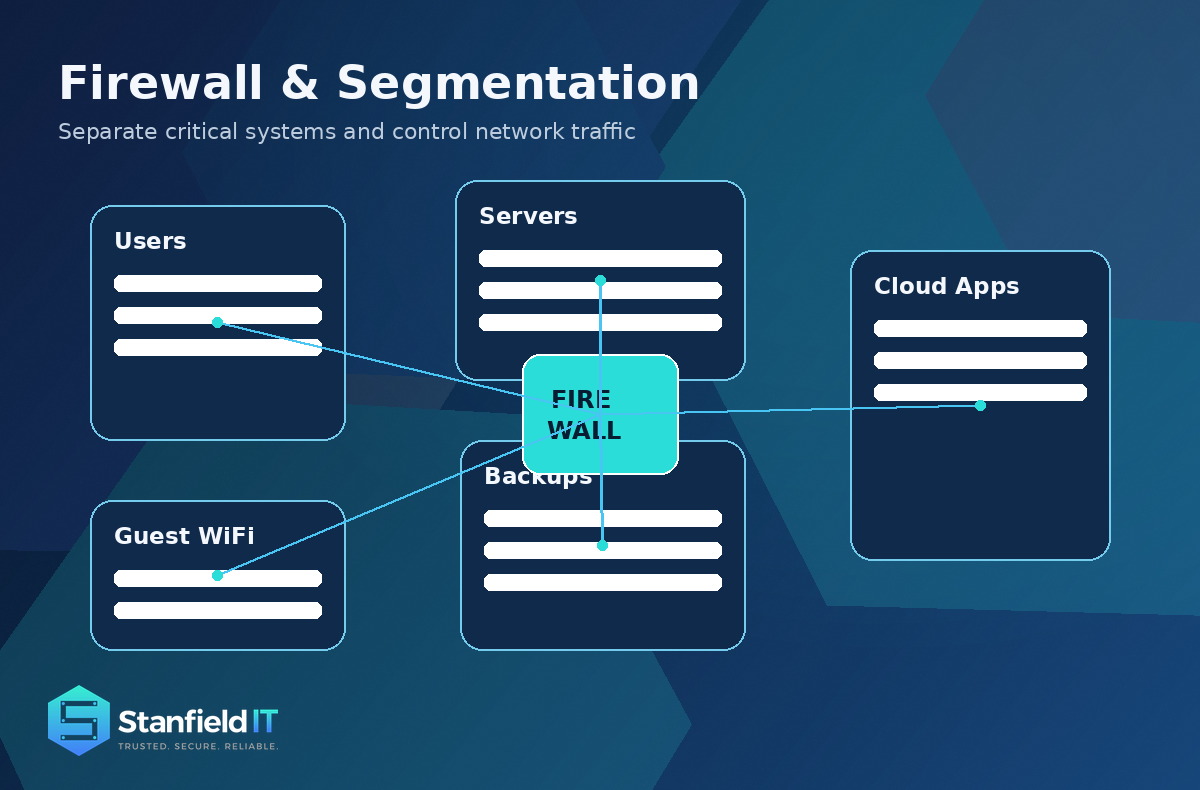
A flat network is risky. If every system can talk to every other system, malware and ransomware can spread faster.
Why it matters: segmentation helps contain incidents and protect critical systems.
- Separate servers from user devices
- Separate guest WiFi from internal systems
- Protect backup infrastructure
- Isolate IoT devices and printers
- Apply stronger controls to finance and sensitive systems
15. Centralise logging and monitoring
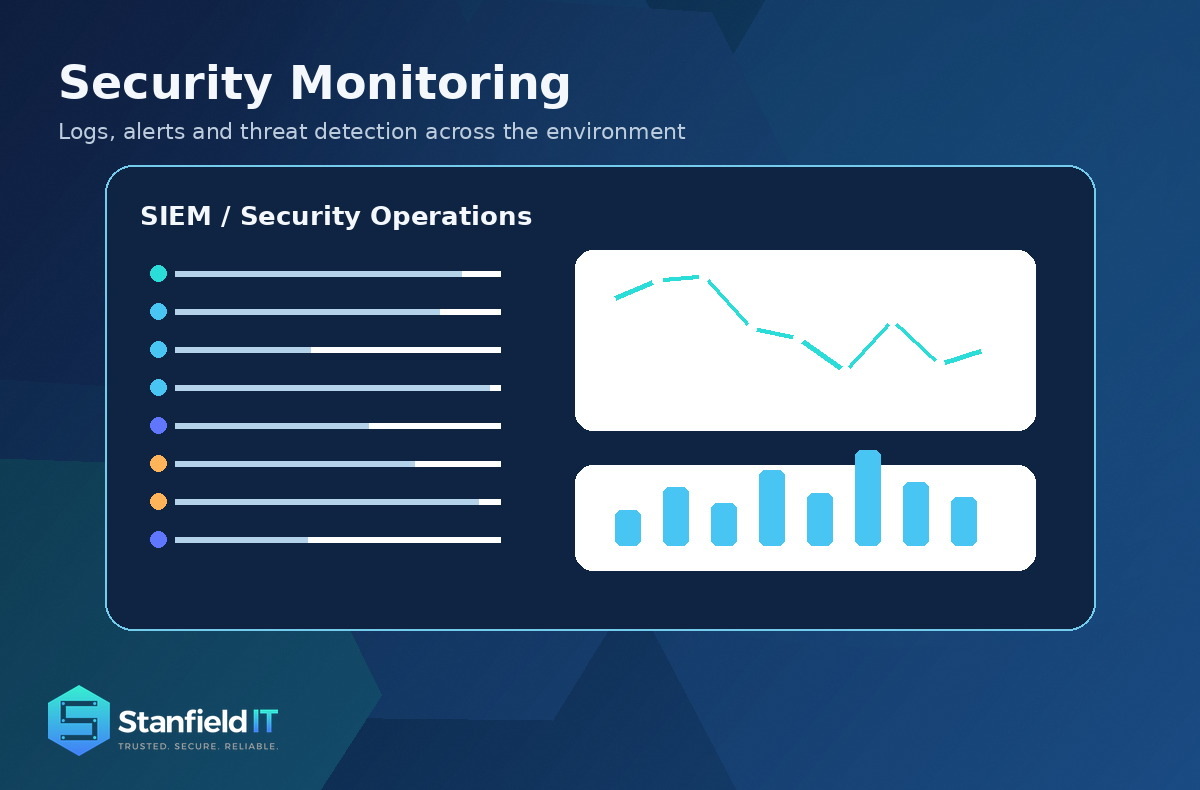
You cannot protect what you cannot see. Security logs help identify suspicious activity, investigate incidents and understand what happened after an event.
Why it matters: without logs, incident response becomes guesswork.
- Collect firewall logs
- Monitor Microsoft 365 and identity logs
- Review endpoint security alerts
- Track remote access activity
- Protect logs from tampering
16. Use behavioural analytics
Behavioural analytics looks for activity that does not fit the normal pattern. This can include unusual file downloads, impossible travel logins, unexpected admin activity or abnormal device behaviour.
Why it matters: if an attacker uses a real username and password, behaviour may be the first sign that something is wrong.
17. Implement data loss prevention
Data loss prevention helps stop sensitive information leaving the business in unsafe ways. This is especially important for client records, financial data, legal documents, HR files and intellectual property.
Why it matters: not every data breach starts with malware. Some start with accidental sharing or poor permissions.
18. Improve web security
Web security protects users while they browse the internet and protects the business’s web-facing systems. This can include DNS filtering, browser hardening, website patching and web application security.
Why it matters: staff use the web constantly, and attackers know it.
19. Prepare for DDoS attacks
A distributed denial-of-service attack aims to overwhelm a website, system or service so legitimate users cannot access it.
Why it matters: even if your business is not a large enterprise, customer-facing systems still need resilience planning.
20. Secure every endpoint
Every laptop, desktop, server and mobile device is a potential entry point. Endpoint security should include EDR, patching, encryption, local admin controls and device compliance policies.
Why it matters: the endpoint is where people work, so it is also where many attacks begin.
21. Move toward Zero Trust
Zero Trust is based on a practical principle: do not automatically trust a user, device or connection simply because it is inside the network.
Why it matters: modern security assumes compromise is possible and verifies access continuously.
- Use MFA
- Apply least privilege
- Check device compliance
- Segment critical systems
- Monitor access continuously
22. Treat cyber insurance as a safety net
Cyber insurance can help reduce the financial impact of an incident, but it does not replace good security controls.
Why it matters: insurance may help after an incident. It will not keep systems running, recover data by itself or restore client trust.
The Essential Eight connection
For Australian businesses, the Essential Eight is a sensible baseline for strengthening cyber security. It does not cover everything, but it gives businesses a practical starting point for reducing common risks.
The Essential Eight covers:
- Application control
- Patch applications
- Configure Microsoft Office macro settings
- User application hardening
- Restrict administrative privileges
- Patch operating systems
- Multi-factor authentication
- Regular backups
If your business has not reviewed these controls, it is a good place to start.
Common network security mistakes
Many businesses are exposed because of simple, avoidable gaps. These are not glamorous problems, but they are exactly the kind of issues attackers look for.
- No MFA on key accounts
- Old administrator accounts still active
- Weak or reused passwords
- Unsupported servers, firewalls or applications
- Flat networks with no segmentation
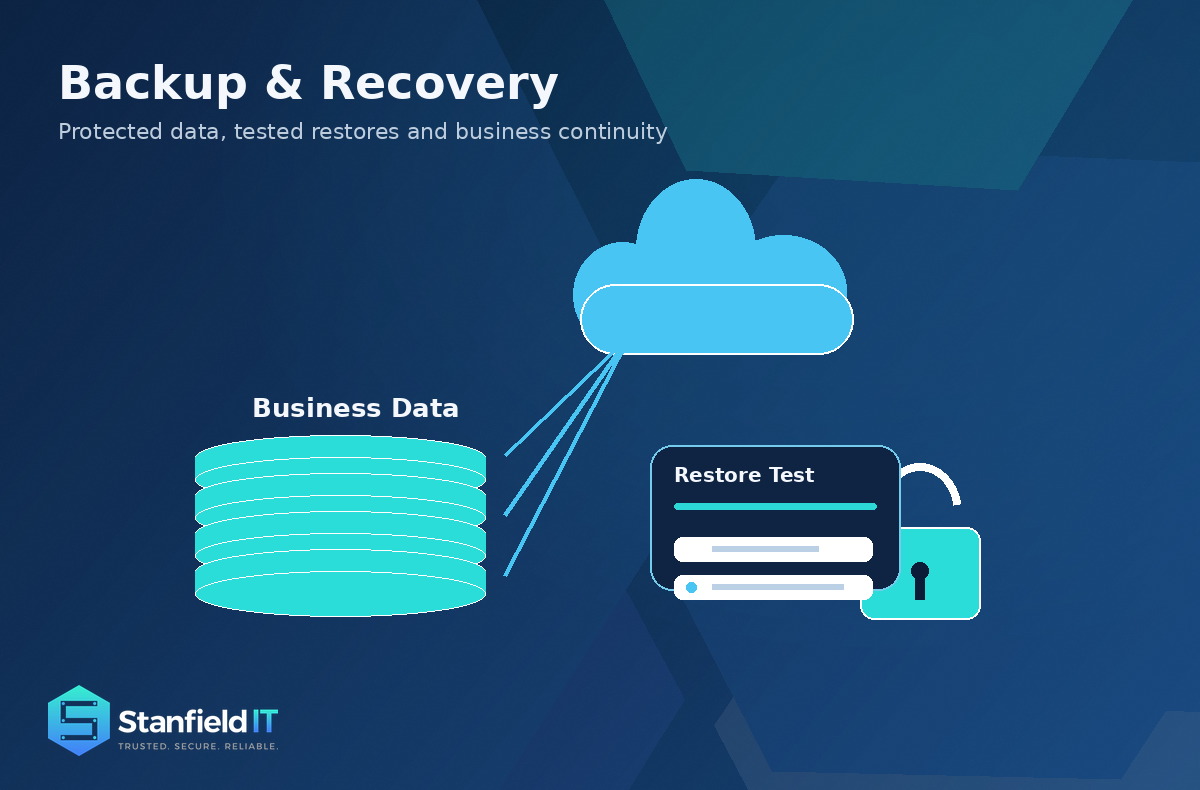
- No tested backup recovery process
- No central logging or alert review
- Poor staff offboarding
- Unrestricted local administrator rights
- Unconfigured Microsoft 365 security features
How Stanfield IT helps
Network security should be practical, measurable and tied to real business risk. It should not be a one-off project that gets forgotten once the invoice is paid.
Stanfield IT helps Australian businesses improve network security through:
- Cyber security services
- Network services
- Microsoft 365 and identity security
- Firewall and VPN management
- Endpoint security and EDR
- Vulnerability management
- Essential Eight uplift
- Security awareness training
- Backup and disaster recovery planning
- Incident response support
- Cloud security
- Ongoing monitoring and reporting
The right approach is not to scare people with cyber security. It is to put sensible controls in place, keep improving them and make sure the business can keep moving.
Network security FAQs
What is network security?
Network security protects business systems, users, devices, applications and data from unauthorised access, misuse, cyber attack and disruption.
Why is network security important?
It helps prevent cyber incidents, protect client data, reduce downtime, support compliance and keep business operations running.
Is a firewall enough?
No. A firewall is important, but modern security also needs MFA, endpoint protection, patching, monitoring, backups and user training.
How often should network security be reviewed?
At minimum, review network security annually. Higher-risk environments should review key controls quarterly or continuously.
What is the biggest network security risk?
Weak identity controls are one of the biggest risks. Stolen credentials can give attackers access to email, files, cloud apps and admin systems.
Does Microsoft 365 need extra security?
Yes. Microsoft 365 includes strong security features, but they need to be configured, monitored and reviewed properly.
What is the Essential Eight?
The Essential Eight is a set of cyber security mitigation strategies used by Australian organisations to reduce common security risks.
Can Stanfield IT assess our network?
Yes. Stanfield IT can review your current environment, identify practical risks and recommend a prioritised security improvement plan.
Improve your network security
Cyber security does not need to be overwhelming. Start with a clear assessment of your current environment, then work through the controls that will make the biggest difference.
Stanfield IT can help you review your current risks, strengthen your network security and build a practical improvement plan.