

Backup & Disaster Recovery
Trusted by growing Australian businesses
- 150+ companies served
- 20+ industries
- Google customer reviews
- 100% Australia-based team

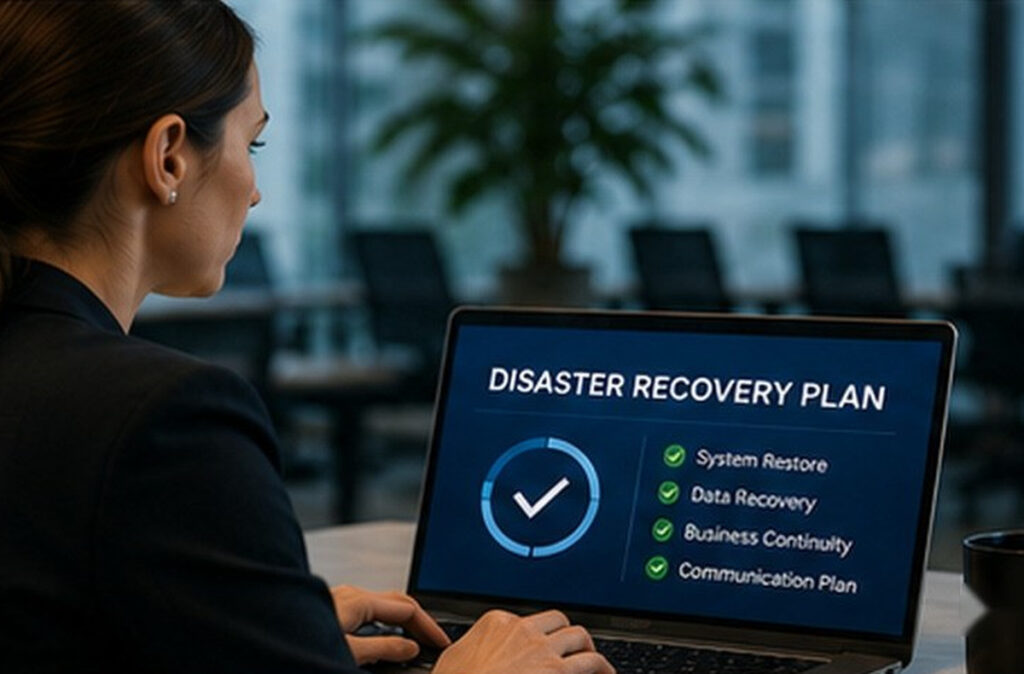
Know What Must Be Recovered First
A strong backup and disaster recovery plan starts with clarity. We help you identify the systems, files, applications and cloud platforms your business cannot operate without, then define practical recovery targets around them.
That means looking beyond “is it backed up?” and answering the questions that matter when pressure is high:
- What data can the business afford to lose?
- How quickly do critical systems need to be restored?
- Which systems depend on each other?
- Who approves recovery decisions during an incident?
- What evidence do you need for insurance, compliance or customer assurance?
If your Sydney business already has a backup provider, bring the recovery targets and most recent restore record to the scoping call. We can agree with you and your provider which system to test, who will authorise the restore and which staff member will confirm the recovered system is usable. See the sample ransomware recovery test report for an example of the evidence to request.
Secure Backups That Keep Pace
Your backup strategy should match the way your business actually works. Stanfield IT can help protect Microsoft 365, cloud platforms, servers, files, endpoints and key business systems with backup schedules, retention settings and recovery options aligned to your operational needs.
We focus on resilient, secure and manageable backup design, including:
- Cloud and offsite backup options
- Backup coverage for business-critical workloads
- Retention planning based on business risk
- Protection against accidental deletion and data corruption
- Backup access controls and administrative separation
- Monitoring so failed jobs are not missed
For many businesses, the risk is not that backups do not exist. The risk is that nobody is checking them, testing them or confirming they still match the environment. We keep backup health visible and make improvement part of the operating rhythm.


Restore Fast When It Matters Most
When a system outage, ransomware event or accidental deletion occurs, every hour of confusion costs money, productivity and trust. Stanfield IT helps you build a recovery process that is practical, documented and tested before you need it.
We support recovery planning across files, applications, Microsoft 365 data, server workloads and business-critical infrastructure. That includes defining recovery time objectives, recovery point objectives, escalation paths and communication steps so your team knows what happens next.
The goal is simple: reduce panic, reduce downtime and restore the right systems in the right order. With clear recovery priorities and restore testing, your business can respond with confidence instead of hoping the backup works.

Managed Backup Monitoring
Backups need active oversight. We monitor backup jobs, review success rates, investigate failures and help ensure missed backups do not quietly become a business risk. You get clearer visibility and better accountability.

Cloud & Offsite Backup
Protect important systems and data with cloud and offsite backup options designed for resilience. We help align storage, retention, access control and recovery requirements to your business risk profile.

Microsoft 365 Recovery
Email, SharePoint, OneDrive and Teams data are business-critical for many teams. We help assess Microsoft 365 protection gaps and implement recovery options that support fast, reliable restoration.

Ransomware Recovery
Ransomware can target production systems and backup repositories. We help strengthen backup access, retention, isolation and restore processes so recovery remains possible when it matters most.

Disaster Recovery Testing
An untested backup is only an assumption. Stanfield IT helps validate restores, test recovery workflows and document the results so your business has practical evidence of recoverability.

Continuity Reporting
Leaders need plain-English visibility. We provide reporting on backup health, risks, restore readiness and recommended improvements so decisions can be made before disruption occurs.

Ransomware-Ready Recovery Plan
Ransomware changes the way backups need to be managed. It is no longer enough to store copies of data. Backups need appropriate access controls, retention, monitoring, separation and recovery steps that reduce the risk of an attacker damaging both production systems and backup data.
Stanfield IT helps you review how your current backup environment would perform during a real cyber incident. We look at who can access backups, whether backup alerts are visible, how restoration would be approved and whether recovery steps are documented well enough for a high-pressure event.
We also align backup planning with broader security controls, including MFA, privileged access, endpoint security, patching, incident response and business continuity planning. That way, backup and recovery become part of your cyber resilience strategy rather than a disconnected IT task.
Microsoft 365 Backup Coverage
Microsoft 365 is central to daily work, but built-in retention and recovery settings are not always a complete backup strategy. Deleted files, mailbox issues, SharePoint changes, permission mistakes and compromised accounts can all create recovery challenges if the right controls are not in place.
Stanfield IT helps Australian businesses understand where Microsoft 365 data lives, what recovery options currently exist and where additional protection is needed. We can support backup planning for Exchange Online, SharePoint, OneDrive and Teams-connected data, with retention and restore requirements matched to how your people actually collaborate.
This gives your business a clearer answer to a critical question: if important Microsoft 365 data was lost, changed or encrypted today, how quickly could you recover it?
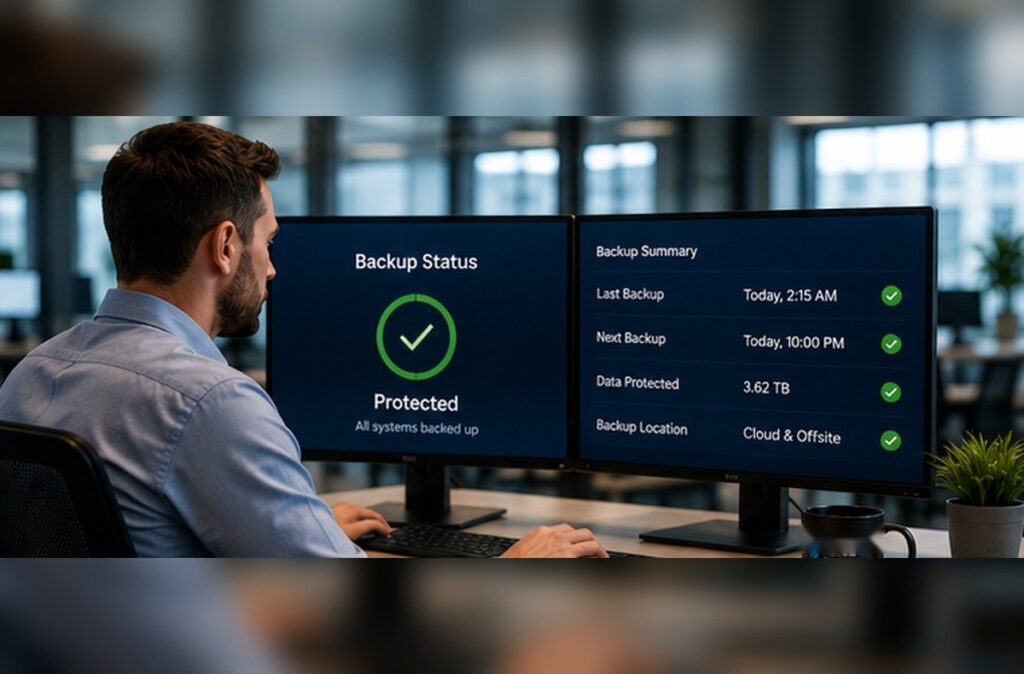

Prove Your Backups Work Under Pressure
The moment you need a backup is the worst time to discover it was incomplete, misconfigured or never tested. We help you move from assumed protection to proven recovery by validating restores and documenting the outcome.
Restore testing can include individual files, folders, mailboxes, SharePoint data, server workloads or full recovery scenarios, depending on your environment. We also help identify dependencies that could slow down recovery, such as access permissions, network requirements, licensing, vendor systems or undocumented applications.
After testing, you receive practical recommendations that help improve resilience over time. This is especially valuable for boards, insurers, auditors and leadership teams who need confidence that recovery plans are more than paperwork.
Can staff keep working during recovery?
Agree with the business owner which task must continue while the system is offline. For example, ask the finance team to log incoming invoices using its approved fallback process. Record which invoices staff could process, where work stopped and how they reconciled the backlog once access returned. The restore record should show the elapsed time, the age of the recovered data and who checked that staff could use it. Record any gaps, the person responsible and the retest date. Our business continuity planning service covers staff roles, communications and workarounds during the outage.
Sample ransomware recovery test report
Illustrative exercise using a finance file share. The business sets a four-hour recovery-time target and accepts up to one hour of lost changes. In the exercise, the team restores the share into an isolated environment in 2 hours 15 minutes. The restored copy is 35 minutes older than the simulated outage. Both measures meet the agreed targets.
The finance lead opens a sample of invoices and tests read and write access with an authorised account. A mapped drive fails for one test user. IT records the exception, assigns the endpoint lead to correct the mapping within five working days and schedules a retest with finance. The report records the system and dependencies tested so leadership can see what still needs a separate exercise.
Who our Backup & Disaster Recovery Services are for

SMBs With Critical Data
For growing businesses that rely on Microsoft 365, cloud apps, finance systems, shared files or customer data. We help protect the information your team needs to keep operating.

Regulated Businesses
For organisations with insurance, customer, privacy or compliance expectations. We help create clearer backup visibility, restore evidence and practical recovery documentation.

Internal IT Teams
For businesses with in-house IT that need extra depth, monitoring, restore support or a second set of eyes across backup and disaster recovery risks.

Multi-Site Workplaces
For businesses with multiple offices, remote staff, hybrid systems or distributed data. We help standardise protection and recovery across more complex environments.
Why Stanfield IT
- Australia-based team, no offshore call centre
- Backup health checks, restore support and improvement roadmap
- Microsoft, cloud, server and endpoint experience
- Clear reporting for leaders and technical teams
- Practical recovery plans that are tested, not assumed
Frequently Asked Questions
-
Backup & Disaster Recovery combines secure data backups with a tested plan to restore systems, files and operations after disruption, cyber attack, hardware failure or accidental data loss.
-
It depends on how much data your business can afford to lose. We help define recovery point objectives, then recommend backup frequency and retention settings aligned to business risk.
-
Microsoft 365 has useful retention and recovery features, but many businesses still need a dedicated backup strategy for stronger protection, restore flexibility and incident readiness.
-
RTO is how quickly systems need to be restored. RPO is how much data loss is acceptable. Together, they help determine the right backup schedule, retention and recovery process.
-
Yes, if they are protected, monitored and restorable. We help strengthen backup access, isolation, retention and testing so recovery remains possible during a ransomware event.
-
Yes. Restore testing is one of the most important parts of backup confidence. We can test files, mailboxes, servers or broader recovery workflows and document the results.
-
Yes. We can review your current backup tools, coverage, alerts, retention, access controls and restore process, then provide a practical improvement roadmap.
Read some of our latest case studies



Ready to Recover Fast?
Book a free IT assessment and get clear next steps for stronger backup resilience.