


Cyber security is no longer only an IT issue. For an Australian small or medium business, one compromised email account can redirect an invoice, expose client information or prevent staff from working. Attackers do not need to defeat every defence. They look for the easiest way in, such as an old password, an unpatched application, an unexpected attachment or an account that still belongs to a former employee.
The good news is that stronger security usually begins with practical, repeatable habits rather than expensive technology. These cyber security tips focus on controls that reduce common risks while supporting productivity. They also refresh the original 2022 article to reflect current guidance around multi-factor authentication, passphrases, the Essential Eight, backups and incident response.
No checklist can remove every risk. The aim is to make attacks harder, notice unusual activity earlier and give your business a tested way to recover.
When these controls need ongoing ownership, our managed cyber security services turn individual improvements into a structured and measurable security program.
Why cyber security tips matter for every business
Smaller organisations are not invisible to cybercriminals. Many attacks are automated and look for exposed services, reused credentials or weak configurations across thousands of businesses at once. A company can also be targeted because it holds customer data, processes payments or provides a trusted path into a larger client or supplier.
That makes cyber security a business resilience issue. An incident can interrupt operations, create recovery costs, affect customer confidence and trigger privacy or contractual obligations. The right response is not to assume every system needs the same level of protection. Start with the information, applications and services your business cannot operate without, then apply stronger controls where the consequences of compromise would be greatest.
The following measures are a practical baseline. They should be adjusted to suit your industry, risk profile, technology and legal responsibilities.
Cyber security tips for accounts and access
1. Assume your business is a target
A useful security mindset starts with a simple assumption: your systems and data have value. That value may be direct, such as money, identity information or intellectual property. It may also come from access to your email, suppliers and customers.
Identify your most important assets, where they are stored, who can access them and how the business would operate if they became unavailable. This turns cyber security from a vague concern into a set of priorities. It also helps you avoid spending heavily on low-risk areas while overlooking a critical email account, cloud platform or line-of-business application.
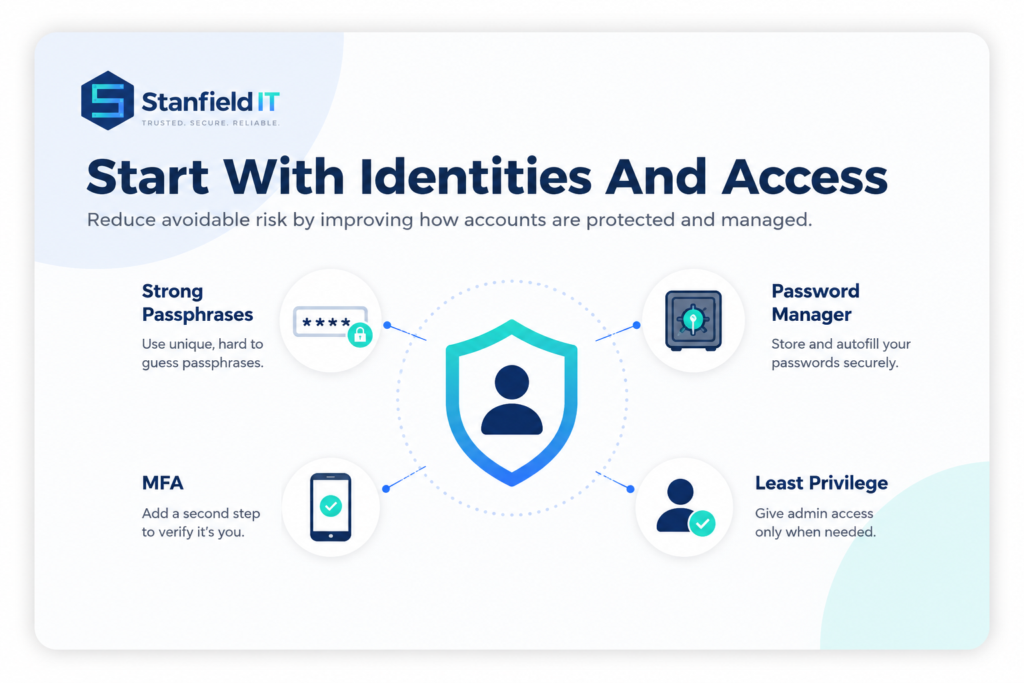
2. Use unique passphrases and a password manager
Every important account should have a unique credential. Reusing a password means one breach can expose several services, while small variations such as adding a year or symbol remain easy to predict.
Where a password is required, use a long passphrase made from several unrelated words or let a reputable business password manager generate and store a strong random password. Protect the password manager with its own unique master passphrase and multi-factor authentication. Avoid keeping shared passwords in spreadsheets, browsers without central management, email threads or notes beside a computer.
Change a credential immediately when compromise is suspected, when it appears in a known breach or when a person who knew it no longer requires access.
3. Turn on multi-factor authentication
Multi-factor authentication, or MFA, adds another proof of identity when someone signs in. Enable it first for email, Microsoft 365 or Google Workspace, finance systems, remote access, administrator accounts and any service that stores sensitive business information.
When a platform supports them, passkeys, security keys and authenticator applications generally provide stronger protection than codes sent by SMS. MFA is not a guarantee, so staff should never approve an unexpected sign-in request. Repeated prompts can be part of an attack designed to wear a user down. Make it easy to report an unfamiliar prompt quickly.
4. Give people only the access they need
Staff should have the minimum access required for their role, not blanket access to every folder, mailbox or application. Keep administrator privileges separate from everyday accounts and use them only for tasks that genuinely need elevated rights.
Access also needs to follow the employee lifecycle. Use a documented process for onboarding, role changes, extended leave, contractors and departures. Disable former staff accounts promptly, remove old devices and application sessions, rotate shared credentials, and review privileged access regularly. A quarterly access review can uncover permissions that accumulated quietly over time.
Cyber security tips for devices and networks
5. Patch operating systems and applications promptly
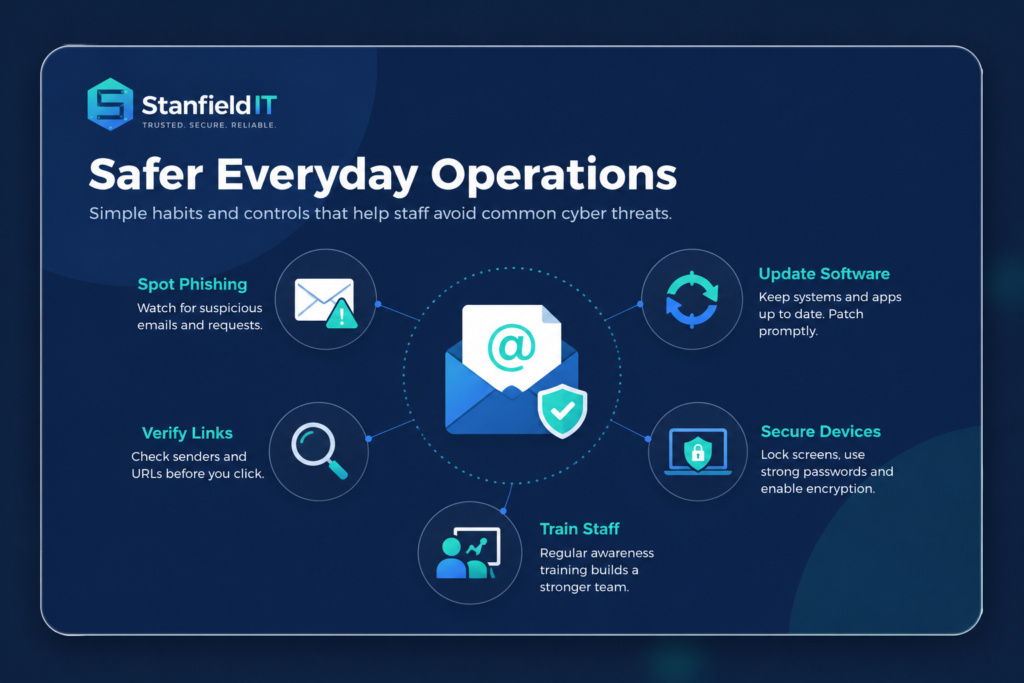
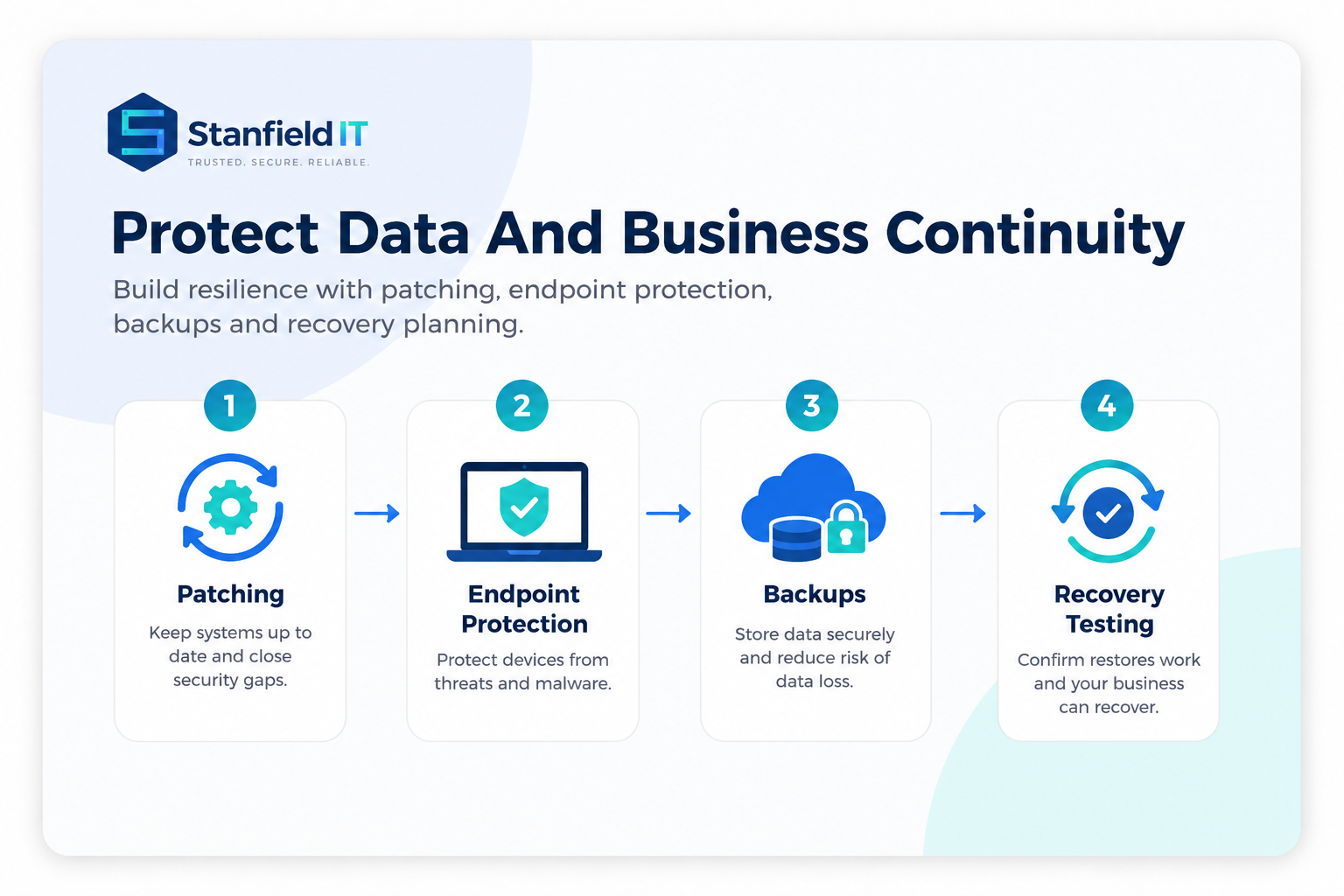
Security updates close known weaknesses that attackers can exploit. Turn on automatic updates where practical and maintain an inventory so older laptops, servers, network equipment and third-party applications are not forgotten.
Prioritise internet-facing systems and vulnerabilities that are actively being exploited. Include web browsers, browser extensions, PDF software, email clients, productivity tools, firewalls, routers and mobile devices, not only desktop operating systems. When a product is no longer supported by its vendor, plan to replace or isolate it rather than accepting permanent exposure.
6. Manage every endpoint and removable device
Every laptop, phone and tablet that accesses business data is part of your security boundary, including approved personal devices. Apply device encryption, automatic screen locking, endpoint protection and secure configuration standards. Mobile device management can enforce policies, separate work data and remotely remove business information from a lost or stolen device.
Control removable media such as USB drives and avoid allowing staff to install unapproved software. If employees work remotely, define how devices connect, where business files may be stored and what happens when equipment is lost. A virtual private network can protect some connections, but it does not replace secure devices, MFA or sensible access controls.
7. Layer email, web and endpoint protection
Email remains a common route for credential theft, fraudulent payment requests and malicious files. Use modern spam and phishing filters, scan links and attachments, block risky file types where appropriate and configure SPF, DKIM and DMARC to make it harder for criminals to impersonate your domain.
Combine these controls with endpoint detection, firewalls, web or DNS filtering, restricted macros and application controls. No single product can stop every attack. Layers are valuable because one control may detect or contain activity that another control missed.
8. Monitor activity and test your defences
Security tools are most useful when someone can see and act on their alerts. Centralise important logs and watch for unusual sign-ins, repeated failures, unexpected administrator changes, large downloads, disabled security controls or activity from unfamiliar locations.
Regular vulnerability scanning can identify missing updates and configuration gaps. More mature environments may also benefit from penetration testing or realistic attack simulations. The scope should match the risk and be carried out safely. Most importantly, give alerts a clear owner, an escalation path and an expected response time. Monitoring without a response process creates noise rather than protection.
Protect data and keep operations moving
9. Keep protected backups and test restoration
Back up the data, applications and configuration information required to restore critical operations. This may include cloud services as well as local servers. File synchronisation is useful, but it is not always a complete backup because deletion, corruption or ransomware can synchronise too.
Maintain more than one copy, protect at least one copy from routine user and administrator access, and use separate credentials for backup systems. Define how much data the business can afford to lose and how quickly essential services need to return. Then test real restores on a schedule. A successful backup report does not prove that the right information can be recovered within the time the business needs.

10. Use the Essential Eight as a practical baseline
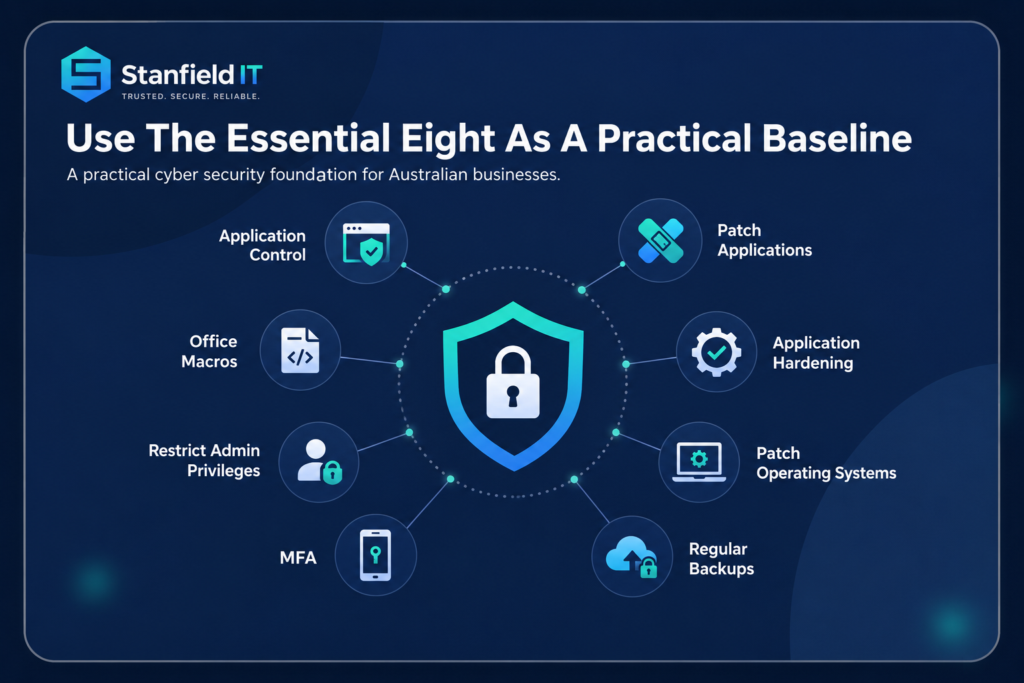
The Australian Signals Directorate’s Essential Eight brings together complementary controls: patch applications, patch operating systems, use multi-factor authentication, restrict administrator privileges, apply application control, restrict Microsoft Office macros, harden user applications and maintain regular backups.
It is best implemented as a risk-based program rather than a checklist. Choose a target maturity level that suits your environment, work towards a consistent level across all eight strategies and document any exceptions. The Essential Eight is a strong starting point, but it is not a complete security program and may need to be supplemented for your industry, cloud platforms and specific threats. Stanfield IT can help with an Essential Eight assessment and improvement plan.
11. Train staff and make reporting easy
People are more likely to make good decisions when training is relevant, brief and repeated. Use examples that reflect the messages your staff actually receive: fake shared documents, changed bank details, urgent payment requests, unexpected MFA prompts and calls pretending to be technical support.
Teach employees to verify sensitive requests through a known phone number or a separate channel. Give them a simple way to report suspicious messages, such as a reporting button or a monitored security address. Treat quick reporting as a positive action, even when someone clicked first. A blame-free culture reduces the time between an incident and the response, which can greatly limit the impact.
12. Prepare and practise an incident response plan
Even well-protected organisations can experience an incident. A written response plan helps the business act calmly when time matters. It should identify decision-makers, technical contacts, insurers, legal advisers and communication responsibilities. Include steps for isolating affected systems, preserving evidence, assessing the scope, restoring services and considering notification obligations.
Keep an offline copy of important contact details and consider how the team will communicate if email or normal systems are unavailable. Test the plan with a tabletop exercise at least annually and after major technology or staffing changes. A useful exercise asks what the business would do in the first hour, the first day and the following week, then records gaps and assigns improvements.
Common cyber security mistakes to avoid
One common mistake is buying a security product and treating the job as finished. Technology needs secure configuration, maintenance, monitoring and people who know how to respond. Other recurring problems include shared administrator accounts, default passwords, unmanaged cloud applications, overdue updates, former staff accounts and backups that have never been restored.
Another mistake is making controls so difficult that employees work around them. Security should support the way the business operates. Single sign-on, a managed password manager, clear approval processes and well-configured devices can improve protection while reducing friction.
Finally, avoid trying to fix everything at once. Prioritise exposed systems, critical data, privileged accounts and recovery capabilities. A smaller number of well-implemented controls is more valuable than a long policy that is not followed.
Turn these cyber security tips into an ongoing program
Start by assigning responsibility, documenting critical systems and completing a practical risk assessment. From there, build a prioritised 90-day plan. Useful measures include MFA coverage, the number of privileged accounts, patch compliance, successful backup restorations, completion of access reviews and the time taken to investigate reported suspicious activity.
Review the program regularly as staff, suppliers and technology change. Record accepted risks and exceptions so they do not become permanent by accident. Small and medium businesses do not necessarily need a large internal security team, but they do need clear ownership and access to the right expertise.
Applied consistently, these cyber security tips make common attacks harder, improve visibility and help your business recover with less disruption. For support assessing risks, strengthening controls or managing security day to day, explore Stanfield IT’s cyber security services or speak with our Australian-based team.