

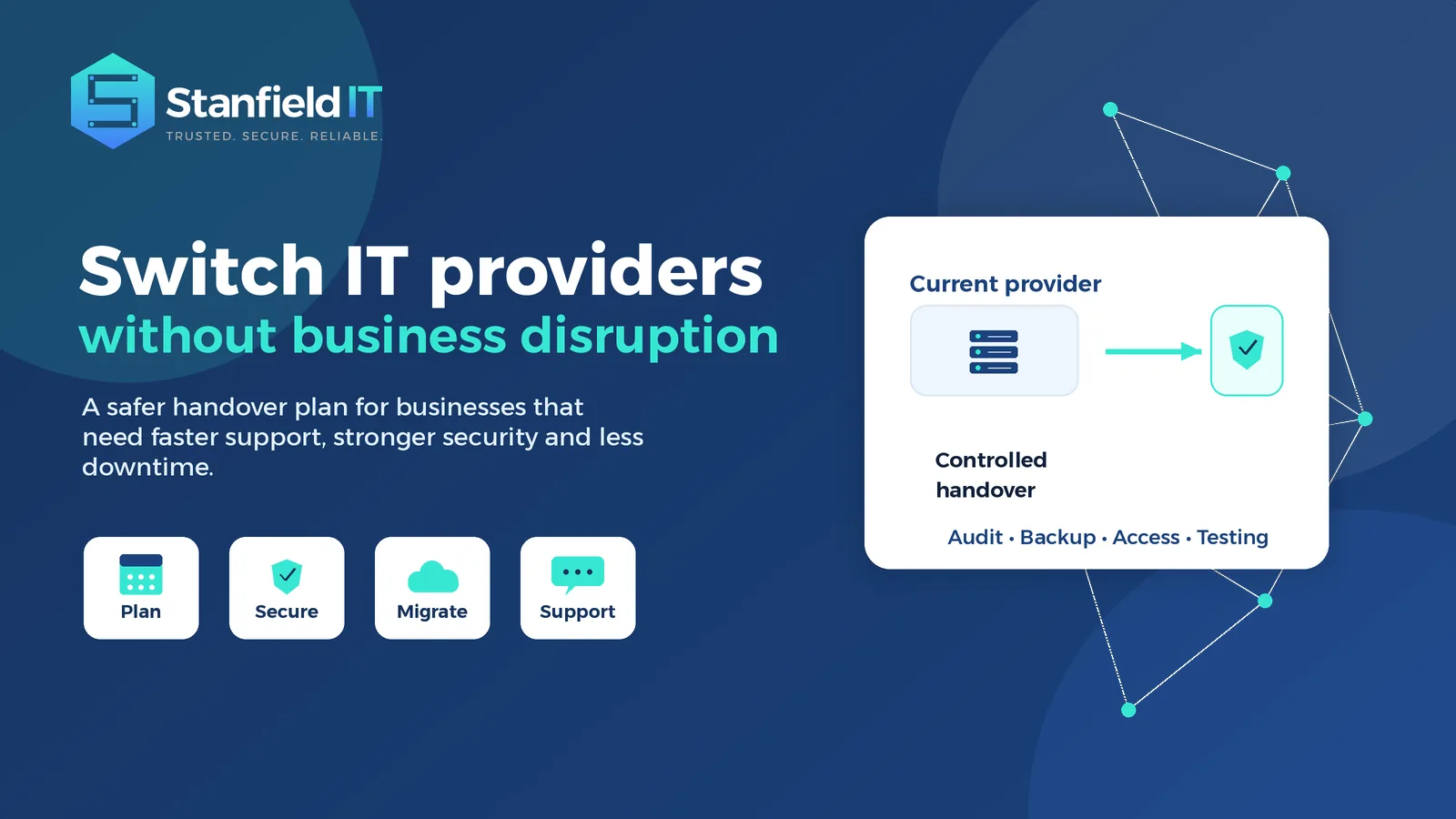
Changing IT providers can feel risky. For many businesses, the concern is not simply signing with a new company. It is the possibility of email outages, lost passwords, missed support tickets, unclear ownership, or staff not knowing who to contact when something breaks.
The good news is that you can switch IT providers without unnecessary disruption when the handover is planned properly. A smooth transition is not about rushing the change. It is about understanding your current environment, protecting critical systems, securing access, communicating clearly, and giving the new provider enough visibility to take ownership from day one.
For small to medium businesses, the right IT partner should make technology feel more reliable, not more complicated. Whether you are frustrated by slow response times, recurring issues, poor communication, weak cyber security, or a lack of strategic advice, changing providers can be a positive step forward when it is handled carefully.
Why businesses decide to change IT providers
Most businesses do not look for a new IT provider after one minor problem. The decision usually builds over time. A few unresolved tickets become a pattern. A vague explanation becomes a lack of trust. A recurring system issue becomes lost productivity. Eventually, the business starts to wonder whether its IT partner is helping it move forward or holding it back.
Common warning signs include slow response times, poor follow-up, repeated outages, unclear billing, limited documentation, weak security recommendations, and a provider that only reacts after something has already gone wrong. Another concern is when technology advice feels disconnected from the business. Your IT partner should understand your team, your systems, your risks, and your plans for growth.
A good provider does more than fix computers. They help protect data, improve uptime, support staff productivity, strengthen cyber security, and keep systems aligned with business goals. If your current provider cannot explain what they are doing, what risks they see, or what improvements should happen next, it may be time to consider a better fit.
How to switch IT providers without unnecessary downtime
The safest way to switch IT providers is to treat the change as a managed transition, not a last-minute handover. Before anything is cancelled or disconnected, your new provider should complete a discovery process that identifies your users, devices, software, cloud services, network equipment, security tools, backups, internet services, domains, and key vendors.
This discovery stage gives everyone a clearer picture of what needs to be protected. It also helps uncover hidden risks, such as shared administrator accounts, undocumented firewall settings, expired licences, old backup jobs, or staff using workarounds because a system has never been properly fixed.
A practical transition plan should define what is moving, who is responsible, when each step will happen, and how issues will be escalated. It should also include a communication plan so staff know when the change is happening, who to contact, and what to expect.
The current provider should be handled professionally. In many cases, they will need to supply documentation, transfer access, confirm licensing details, and support the handover of systems. Keeping communication respectful and clear reduces friction and helps protect business continuity.
Start with a clear IT handover checklist
A smooth provider change depends on information. If important details are missing, the new provider may spend the first few weeks trying to reverse-engineer your environment instead of improving it. That is when delays, duplicated work, and avoidable outages can happen.
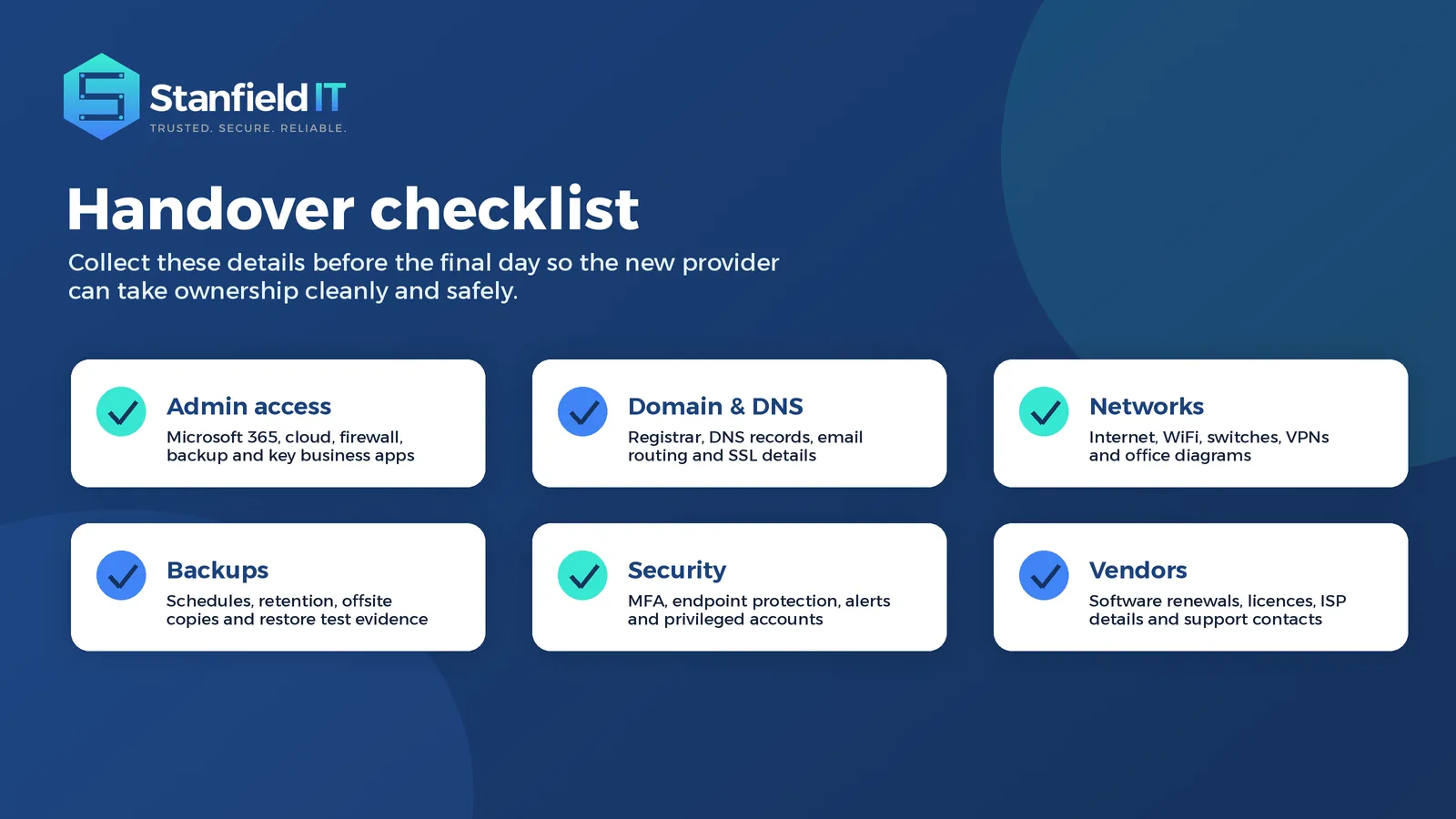
Your handover checklist should cover administrator access, licensing, network information, backup configuration, security controls, vendor accounts, and documentation. This does not mean every business needs a complex technical register. It means the essentials should be known, verified, and safely stored before the changeover.
Useful items to collect include:
- Microsoft 365 or Google Workspace administrator access
- Domain registrar and DNS access
- Firewall, router, switch and WiFi details
- Server, cloud, backup and disaster recovery documentation
- Software subscriptions, licence renewals and vendor contacts
- Endpoint protection and cyber security tools
- Internet, phone system and line-of-business application details
- Current support processes, recurring issues and open projects
It is also worth confirming whether any access is tied to a former employee, personal email address, or supplier-owned account. These situations are common, and they can create unnecessary risk if they are not cleaned up during the transition.
Protect business continuity before the changeover
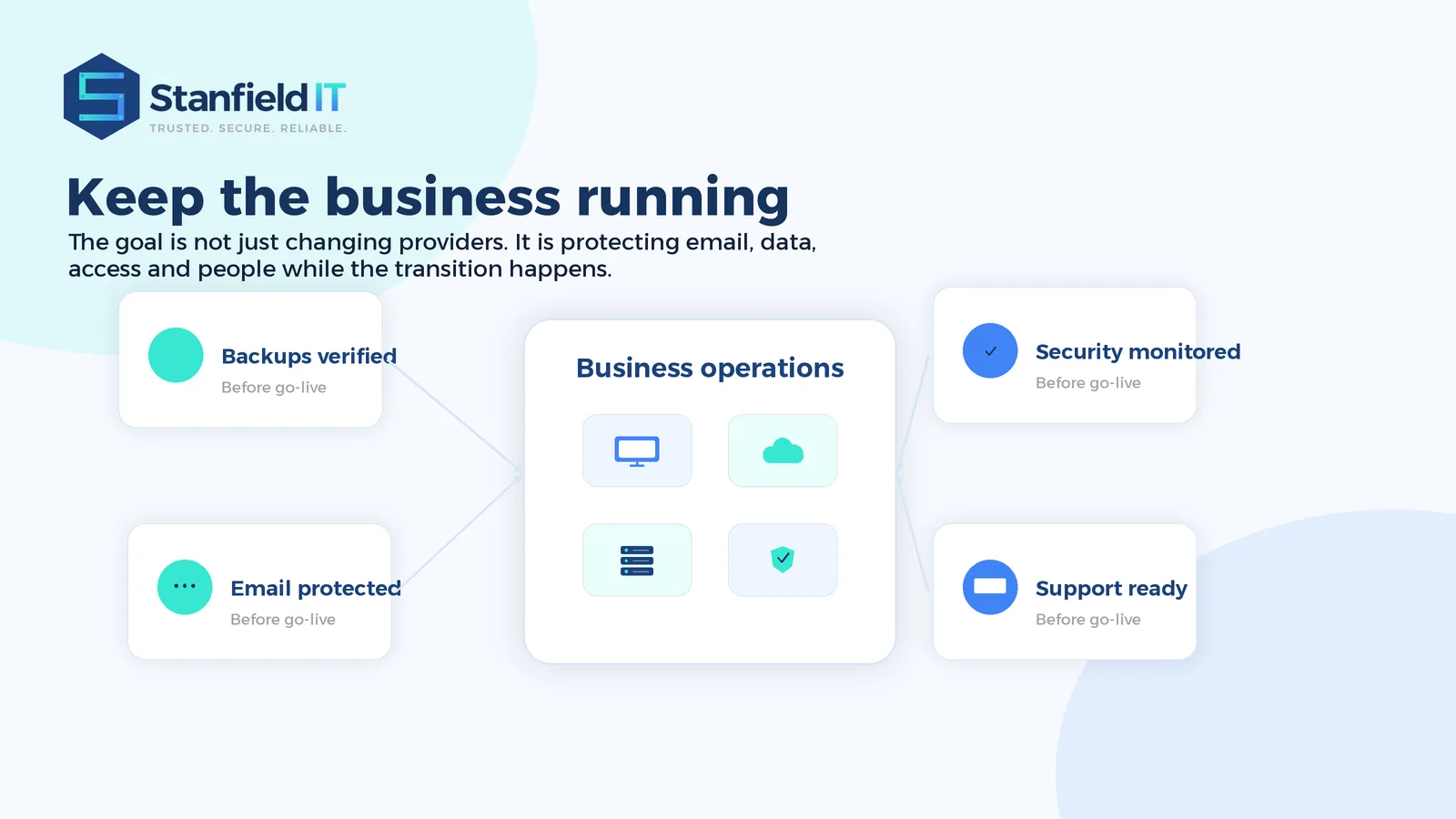
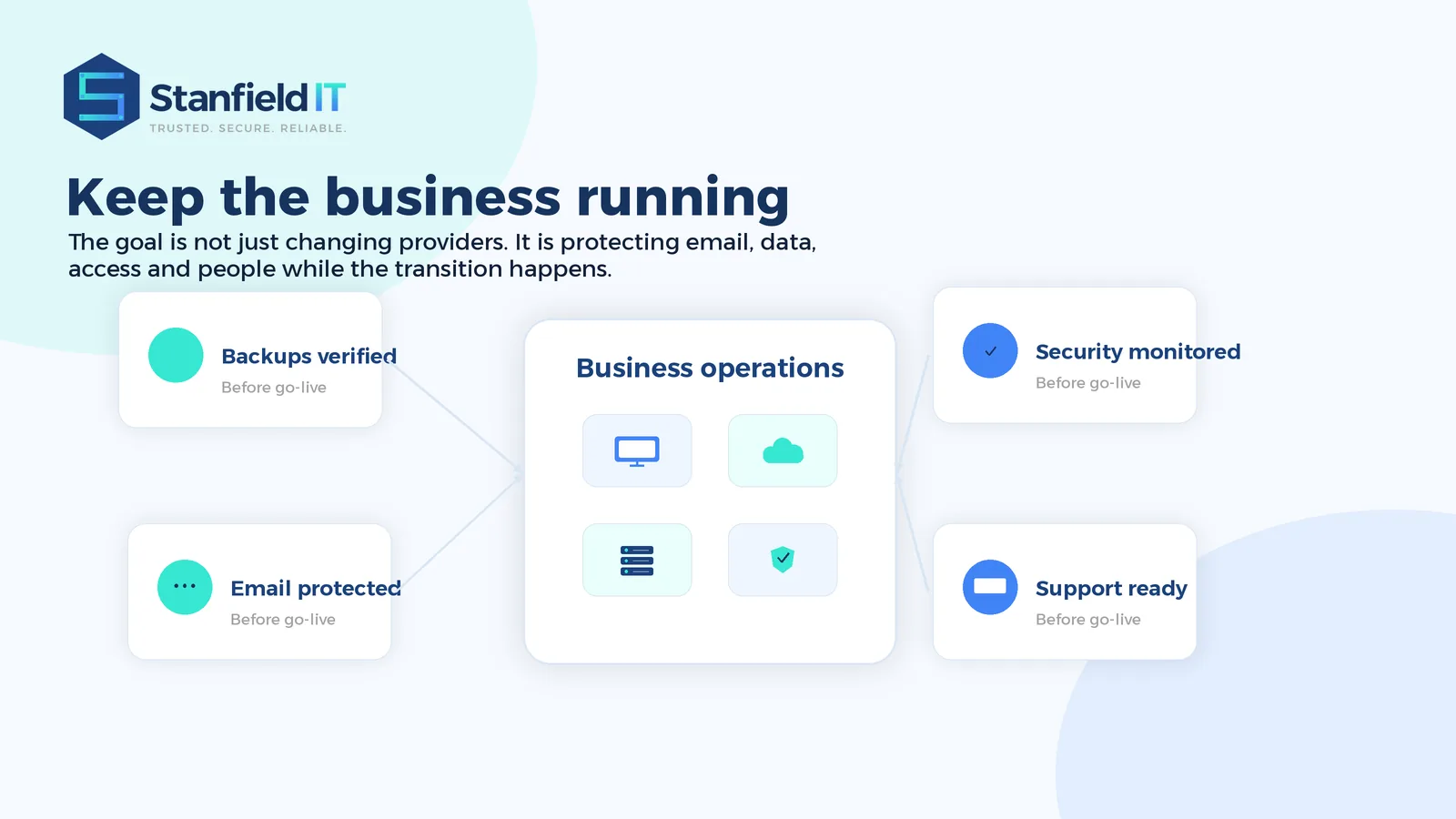
When a business changes IT providers, the priority is not just getting through the first day. The priority is keeping people productive throughout the process. Email, internet, files, phones, cloud apps, accounting systems, customer systems and security tools all need to keep working.
Before the handover, your new provider should verify that backups are running, critical systems are documented, and recovery options are understood. Backups should not be assumed. They should be checked, and where possible, a restore test should confirm that important data can actually be recovered.
A good transition plan should also include a rollback approach. If a change causes an unexpected issue, there needs to be a clear path to restore service quickly. This is especially important for email changes, DNS updates, firewall adjustments, server work, and cloud migrations.
For businesses with higher uptime needs, it may be sensible to transition in stages. Support ownership can move first, followed by security improvements, documentation clean-up, backup remediation, and larger infrastructure projects. This reduces pressure and allows the new provider to stabilise the environment before making bigger changes.
If your business relies heavily on cloud systems, remote work, or customer-facing technology, Stanfield IT can also support broader Business Continuity Planning to reduce the impact of future outages.
Make cyber security part of the provider switch
A provider change is an ideal time to strengthen security. It is also a time when access needs careful attention. Old administrator accounts, shared passwords, weak MFA settings, unmanaged devices, and supplier access that is no longer required can all create risk.
Your new provider should review privileged accounts, confirm multi-factor authentication, check endpoint protection, assess backup protection, and look at how alerts are monitored. They should also remove or disable access that is no longer needed once the handover is complete.
This is not about making the transition harder. It is about avoiding the situation where an old supplier, former employee, or unknown account still has access to sensitive business systems months later. A controlled security review gives the new provider a clean starting point and gives your business better confidence in who can access what.
Cyber security should also be explained in plain English. Business owners and managers need to understand the practical risks, not just receive technical reports. If there are urgent issues, they should be prioritised. If there are longer-term improvements, they should be built into a sensible roadmap.
For organisations that need stronger protection, compliance support, or a practical uplift plan, Stanfield IT provides Cyber Security Solutions designed for Australian businesses.
Choose the right partner before you switch IT providers
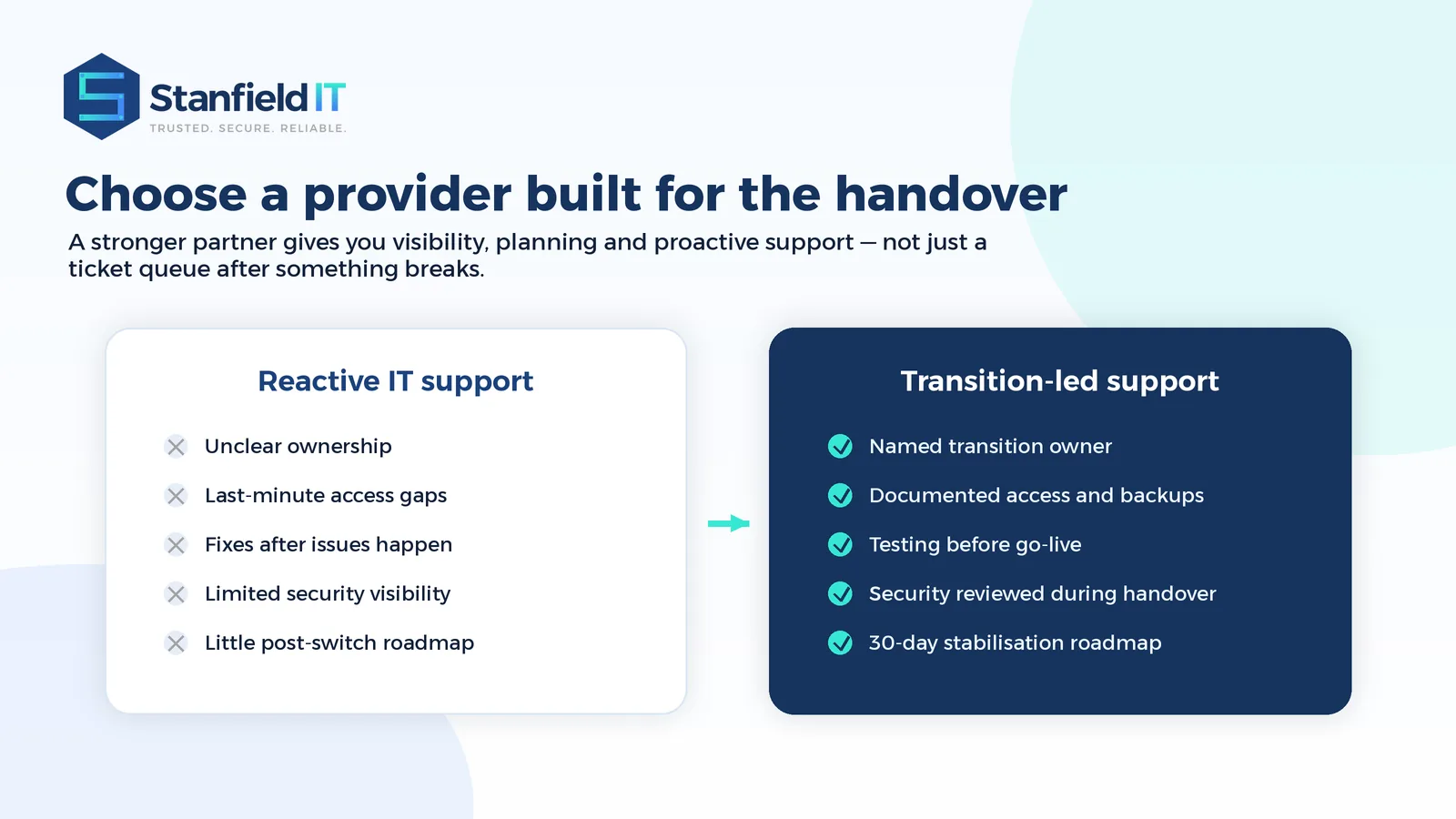
Before you change providers, take time to evaluate how the new partner will actually support your business after the handover. The cheapest quote is not always the best value, and the biggest provider is not always the easiest to work with. What matters is whether they can respond quickly, explain clearly, plan proactively, and take ownership when something needs fixing.
Ask how the transition will be managed. Will there be a named person responsible for the handover? Will they review backups before go-live? Will they document your environment? How will support requests be logged and prioritised? What happens if an urgent issue occurs during the first week? How will they communicate risks and recommendations?
A strong provider should be comfortable answering these questions. They should also be able to explain their approach without hiding behind jargon. You should feel that they are interested in your business, not just your devices.
Look for a partner that can support day-to-day help desk requests while also giving advice on cyber security, cloud services, infrastructure, Microsoft 365, backup, and long-term IT planning. This gives your business one accountable team rather than a collection of disconnected suppliers.
What the first 30 days with a new provider should look like
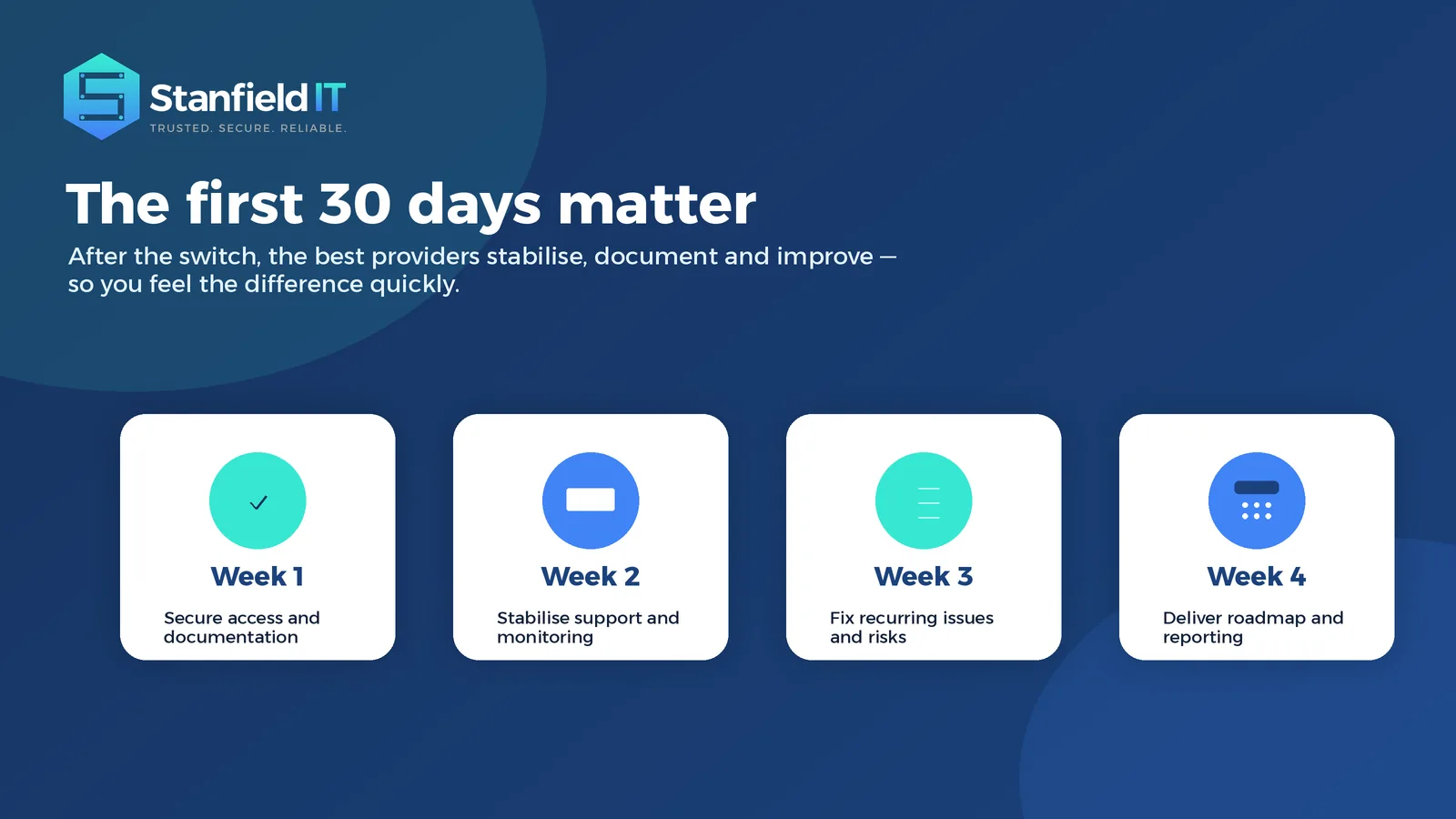
The transition does not end the moment the new provider takes over support. In many ways, the first 30 days are where the difference should become visible.
During the first week, the focus should be secure access, documentation, open issues, monitoring, backup visibility, and staff communication. Your team should know how to request support and what to do if something is urgent.
The second week is usually about stabilisation. This may include closing old tickets, fixing recurring issues, checking device health, reviewing alerts, and confirming that critical services are being monitored properly.
By the third and fourth week, the provider should be moving from takeover mode into improvement mode. This is where they can identify patterns, recommend better processes, clean up risk areas, and give leadership a clearer view of what should happen next.
A useful first-month review should be practical. It might cover immediate risks, recurring support themes, security gaps, ageing equipment, backup status, licensing issues, and recommended priorities for the next quarter. This helps the business move beyond the switch and into a more proactive IT relationship.
Common mistakes when businesses switch IT providers
One of the biggest mistakes businesses make during the transition is cancelling the old arrangement before access and documentation are secured. This can leave the new provider without the information they need to support systems properly.
Another mistake is assuming that backups are working without evidence. A backup is only valuable if it can be restored when needed. Checking backup status early can prevent serious issues later.
Communication is another area that is often underestimated. Staff need to know what is changing, how to get help, and whether there will be any expected interruptions. Clear communication reduces confusion and prevents people from contacting the wrong provider after the change.
Businesses should also avoid using the transition as a time to change everything at once. Unless there is an urgent security or reliability issue, it is usually better to stabilise the environment first and then plan larger improvements. This keeps the process controlled and reduces disruption.
How Stanfield IT makes the transition easier
Stanfield IT helps businesses move away from frustrating IT support and into a more reliable, security-conscious and proactive service model. The aim is to make the change feel organised, not overwhelming.
Our team can help review your current environment, identify transition risks, secure access, check backups, communicate with stakeholders, stabilise support, and build a practical roadmap for improvement. We focus on clear communication, responsive support, and technology decisions that make sense for the way your business actually operates.
For many businesses, the value of changing provider is not just fewer IT problems. It is knowing that someone is watching the details, explaining the risks, and helping technology support the business instead of slowing it down.
If help desk responsiveness is one of your main concerns, our IT Support services are designed to give your team practical, reliable assistance when they need it.
FAQs about changing IT providers
Is it difficult to change IT providers?
It does not need to be difficult when the handover is planned. The key is to secure access, document systems, verify backups, communicate with staff, and transition support in a controlled way.
How long does an IT provider transition take?
The timeframe depends on the size and complexity of your environment. A small business may move quickly, while a multi-site organisation with servers, cloud systems and compliance needs may require a staged approach.
Should we tell our current provider we are leaving?
In most cases, yes. A professional handover usually requires documentation, access transfer and cooperation. Your new provider can guide you on timing and what information to request.
What should we do before cancelling our current IT contract?
Before cancelling, make sure you have administrator access, domain and DNS control, backup visibility, vendor details, network documentation, and a clear support start date with the new provider.
Can we change providers without downtime?
Many transitions can happen with little or no noticeable downtime, but it depends on your systems. The safest approach is to plan carefully, test critical services, and avoid unnecessary major changes during the handover.
Ready to switch IT providers with confidence?
You do not need to stay with an IT provider simply because leaving feels hard. With the right planning and the right partner, changing providers can be a positive step towards better support, stronger security, clearer advice, and more reliable systems.
If your business is ready for more responsive IT support and a safer transition, Stanfield IT can help you plan the changeover and move forward with confidence. Book a call to talk through your current challenges and the best next step for your business.