Plan, move and connect your workplace technology with minimal disruption.
From new office fitouts to full IT relocations, we design, install, move and test the systems your team needs so your staff can walk in, log on and get straight back to work.
A successful office IT fitout starts well before furniture arrives or equipment is unplugged. We help you map the technology requirements of your new space, identify risks early and create a practical rollout plan that keeps your project moving.
We can review floor plans, workstation layouts, internet lead times, data point locations, comms room requirements, Wi-Fi coverage, printer locations, meeting room technology, security controls and move-day sequencing. You get a clear plan for what needs to happen, who is responsible and what must be ready before your team arrives.
That means fewer surprises, fewer last-minute workarounds and a much smoother first day in the new office.
Your office is only as productive as the infrastructure behind it. We help design and coordinate the core technology that keeps people connected, including data cabling, network switching, Wi-Fi, internet connectivity, VoIP, comms racks and device setup.
Whether you are fitting out a small professional office or opening a larger multi-site workplace, we focus on performance, reliability and room to grow. Your network is planned around how your people actually work, not just where the desks happen to be.
We also help reduce the clutter that slows teams down: messy cabling, overloaded power boards, poorly labelled ports, Wi-Fi dead zones, unplanned printer locations and ad hoc network hardware. The result is a cleaner, more stable environment from day one.
Move-day support, done safely
Moving IT equipment is different from moving desks and chairs. Servers, network devices, workstations, monitors, phones and specialist hardware need to be documented, labelled, protected, disconnected and reconnected in the right order.
Our technicians help manage the technology side of the move so your staff do not have to troubleshoot on arrival. We can coordinate pre-move checks, device labelling, secure packing guidance, removalist handover, network setup, workstation reconnection and go-live testing.
Where possible, we schedule critical cutovers outside business hours to reduce disruption. When your team arrives, the goal is simple: internet works, phones work, files and cloud systems are accessible, meeting rooms are ready and support is close by.
We review your new office before the move so you know what is ready, what is missing and what could delay go-live. This can include internet status, comms room suitability, cabling, Wi-Fi, power, access requirements and workstation layout.
Structured Cabling
We help coordinate tidy, scalable data cabling and network point planning so your team has reliable connectivity where it is needed. The aim is a cleaner office, easier troubleshooting and fewer future rework costs.
Workstation Rollout
We prepare, configure and connect workstations, monitors, docks, phones, printers and peripherals so staff can sit down and start working. Devices can be labelled and mapped to the correct desks before go-live.
Internet & VoIP Setup
Internet, phone systems and communication tools need to be ready before your first day in the new space. We help plan, coordinate, configure and test connectivity so calls, meetings and cloud access keep running.
Secure Equipment Moves
We help reduce the risk of damage, data exposure or confusion during the move. Equipment is documented, labelled and reconnected with care, with security controls checked before your team resumes normal work.
Testing & Handover
Before the job is complete, we test the essentials: internet, Wi-Fi, workstations, printers, phones, meeting rooms, cloud access and security settings. You get a smoother handover and clear next steps.
Make every system work together
A modern office fitout often involves more than computers and cabling. Your team may need video conferencing, Teams rooms, shared screens, smart displays, printers, access control, phone systems, cloud platforms and specialist business applications to work together smoothly.
We help connect the moving parts so your new office feels easy to use. Meeting rooms are set up for real conversations, printers are available to the right teams, phones route correctly, devices are connected to the right network and staff can access the tools they need.
This is where a technology-led fitout makes a real difference. Instead of adding IT after the space is built, we help make technology part of the plan from the beginning.
Secure every connection
Office moves and fitouts are a smart time to improve security. Old network designs, shared admin passwords, unmanaged devices and rushed cabling can create risks that follow you into the new space.
We help you use the project as an opportunity to tighten the environment. That may include firewall configuration, secure Wi-Fi, user permissions, device management, backup checks, endpoint protection, admin access review and secure cloud access.
Physical security also matters. Comms equipment should be protected, devices should be accounted for and sensitive systems should not be left exposed during the move. Our approach keeps security in the plan, not as an afterthought.
Go live with confidence
The real test of an office IT relocation is not whether everything is plugged in. It is whether your team can work confidently when the doors open.
We support the final cutover with testing, troubleshooting and practical handover. We can check key user workflows, confirm cloud access, test printers and phones, verify network performance, confirm meeting room readiness and provide onsite or remote support as staff settle in.
After go-live, we can continue supporting your environment through managed IT services, monitoring, reporting and helpdesk support. That means your new workplace is not just connected for day one; it is supported for the long term.
Ideal for businesses adding desks, hiring staff or moving into a space that needs better technology planning. We help make sure your IT setup supports growth instead of becoming another bottleneck.
Office Relocations
Built for teams moving from one office to another who need internet, workstations, phones, Wi-Fi, network hardware and key systems ready with minimal disruption.
New Sites & Branches
Useful for businesses opening a new branch, satellite office or multi-site workplace. We can help standardise the setup so users get a familiar, secure experience across locations.
Legacy Office Upgrades
Perfect for offices dealing with messy cabling, unreliable Wi-Fi, ageing network hardware or meeting rooms that no longer support the way the team works.
Why Stanfield IT
Local, end-to-end office IT fitout and relocation support from plan to day one.
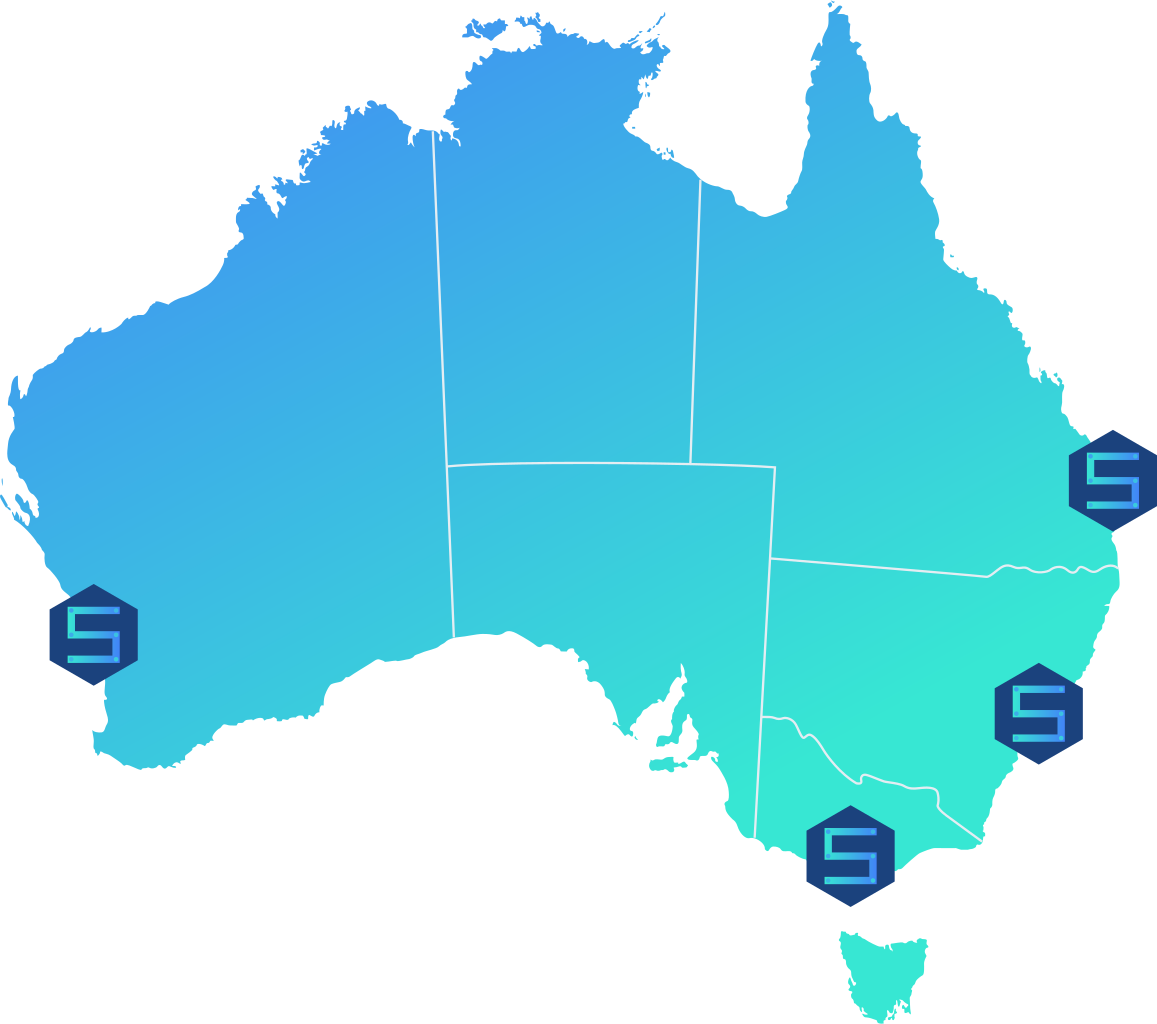
100% Australian-based team with remote and onsite support.
Project planning, vendor coordination and move-day technicians.
Security-first configuration across network, devices and cloud access.
Ongoing managed IT support once the new workplace is live.
Frequently Asked Questions
As early as possible. Once you have a lease, floor plan or preferred move date, we can help check internet lead times, cabling, Wi-Fi, workstation layout and go-live risks before they become costly delays.
Yes. We can work alongside your builder, electrician, cabler, designer, removalist and internal team so the technology requirements are planned into the fitout instead of being rushed at the end.
We can help plan and coordinate data cabling, Wi-Fi, network hardware, internet services and VoIP setup. Where specialist licensed cabling work is required, we coordinate with suitable cabling professionals.
We plan the cutover, check the new site, label equipment, test key services in advance and reconnect systems in the right order. Where possible, critical work is scheduled after hours or around your operating needs.
Yes. We can help document, disconnect, protect, reconnect and test servers, switches, firewalls, access points and other network equipment so your core systems are handled carefully.
Yes. We can help configure meeting room screens, cameras, audio, Teams or video conferencing tools, VoIP phones and shared devices so collaboration tools are ready from day one.
We can provide go-live support, troubleshooting, handover notes and ongoing managed IT services. Your team has help available as they settle into the new office.
Cost depends on office size, number of users, cabling needs, equipment, internet services, security requirements and timing. We scope the work first so you get a clear, practical plan.