


A principal has a practical question before an adviser moves to another firm. Who will remove access to client files, what happens to the adviser’s laptop, and how will the principal know the work is complete? A proposal that promises Microsoft 365 support can leave all three answers open.
We compared managed IT providers for Sydney financial advice firms using public accounts of work for wealth or financial services businesses. Stanfield IT publishes this comparison and is one of the providers. Sources were checked on 28 November 2026. The examples cover different assignments. A cloud migration, a CRM project and an ongoing managed service each tell a buyer something different.
Which providers show relevant work for advice firms?
| Provider and published engagement | Client records and Microsoft 365 | Evidence for principals | Restore evidence |
|---|---|---|---|
| Stanfield IT · Kennedy Partners Wealth | Cloud and SharePoint migration, managed user access, Intune device policies and Microsoft 365 backup. | Monthly reporting on device health, backup status and open risks within a fully outsourced IT service. | The case describes protection. Request a dated test record for the relevant workload. |
| The IT Agency · Providence Wealth | Published migration to a managed Microsoft 365 environment, ongoing service desk, backup and disaster recovery. | The client describes whole-of-business support. The case does not specify a reporting interval or sample access review. | Request the last successful restore and any outstanding exceptions. |
| AMBR IT · Sydney wealth management CRM project | Migration of historical client records to Dynamics 365 in the firm’s Microsoft 365 tenant. | Adviser dashboards and searchable interaction records. A principal’s IT risk report is a separate deliverable. | Migration validation is documented. An ongoing restore-test schedule is not established by the project. |
Who will own the client file after handover?
In the Kennedy Partners Wealth case, Stanfield took responsibility for the day-to-day environment. The evidence covers both sides of access: permissions around shared information and management of the devices used to open it. That distinction matters when a departing adviser has synced files to a laptop. Removing a sharing link and taking the device out of use are separate actions.

Ask the principal, operations manager and provider to walk through one departure. Who authorises the change? Who handles the mailbox, SharePoint groups and advice software? Who confirms whether external access still exists? Use an invented employee and client name for the demonstration. A good handover ends with a short record the principal can read without logging into three administration portals.
The IT Agency’s Providence Wealth case is relevant if the practice wants one managed provider across Microsoft 365, day-to-day support, backup and recovery. Ask for the exact split of responsibility between the MSP, the licensee and the advice platform supplier. The case demonstrates an ongoing relationship, while the current proposal needs to identify who can actually change access in each system.
What will the principal receive each month?
Ask for a redacted example before awarding the contract. Can the principal see which devices missed a policy update, which staff changes are incomplete, whether the latest backup succeeded, and which issues require a spending decision? An exception needs an owner and a due date. A monthly page of green ticks gives little help when a departed contractor still has a guest account.
The AMBR IT wealth management case is particularly relevant if the problem is finding the history of advice interactions across mailboxes and spreadsheets. It describes moving client records into Dynamics 365 and giving advisers dashboards in their working environment. Compare that project with other CRM proposals. If the same supplier will also run your help desk, ask for the separate operating scope and a sample management report.
Can the provider restore a usable advice record?
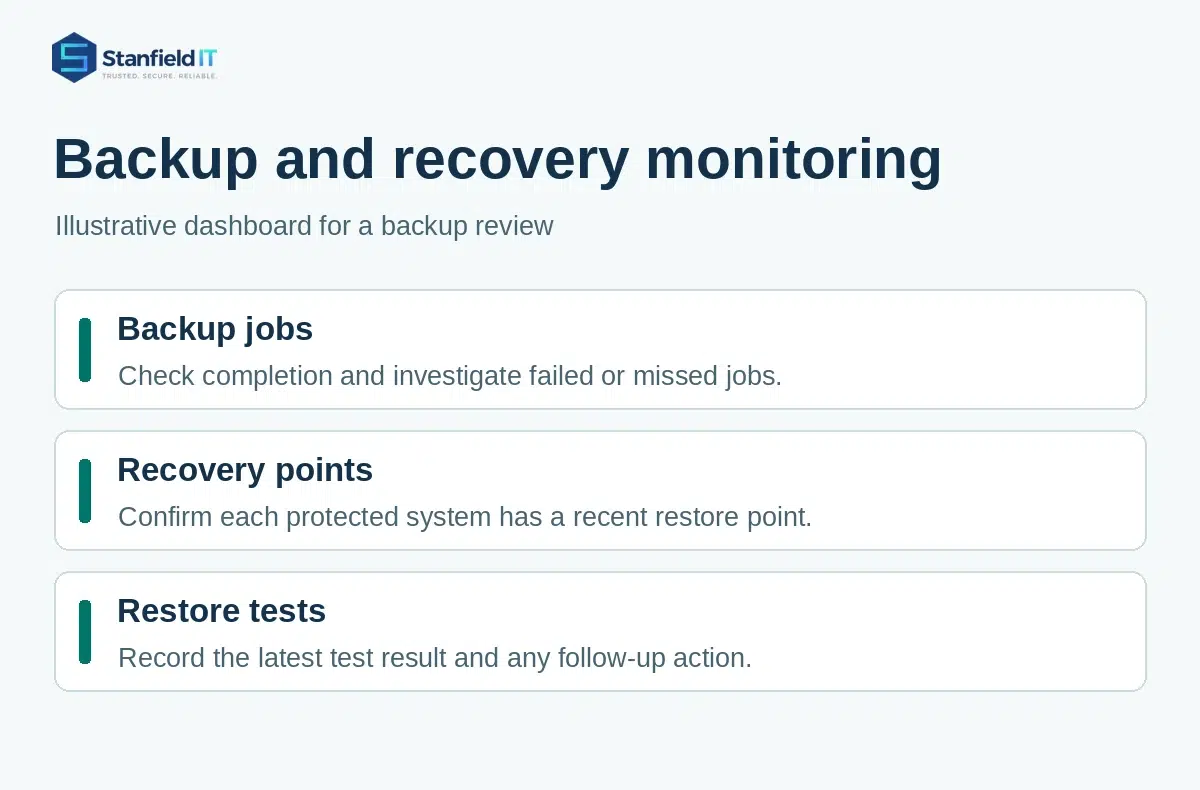
Choose a closed, fictitious review file for a demonstration. Specify the required version, its attachments, the library it belongs in and the person allowed to see it. Ask the provider to recover it to a separate location. Have an authorised staff member open it and check both the contents and the permissions. If the associated notes live in Xplan or another platform, identify who would recover those records and how they would be reconciled.
Record the recovery point, start and finish times, the person who checked the result and any missing dependency. A successful Microsoft 365 backup job says the copy completed. A dated test tells the principal which part of a client relationship the business could reconstruct. None of the three cases above establishes a universal recovery time for another practice.
What should managed IT providers show at the second meeting?
Send each provider a short description of a typical review meeting. An adviser works from home two days a week, a paraplanner prepares the review pack and an external accountant receives one document. Ask the provider to show how each person gets the access they need, how long the external link remains valid and where an authorised manager can see the record of that decision. An example tenant with invented names is sufficient.
Then introduce a change. The paraplanner has moved to another team and the accountant has finished the engagement. Ask the provider to identify which access can be removed through Microsoft 365, which needs a separate change in the advice application, and what happens to files already downloaded. A credible answer may include a limitation. Knowing that a downloaded copy cannot simply be recalled helps the practice decide what it should share in the first place.
How should a principal compare the answers?
Write down four deliverables against each quote: an access review, a managed-device exception report, a monthly management report and a witnessed restore. For each one, record who supplies it, how often it arrives and whether its cost is included. If the bidder is proposing a one-off migration, ask who takes responsibility on the day after the project team leaves. If an incumbent supplier retains the advice platform, ask both parties to confirm the handover in writing.
The most revealing question at the second meeting is often which task the practice must still perform itself. A principal can delegate technical work and still retain the decision about who should open a client file. Capture that decision in the operating procedure so a new practice manager can follow it.
How to choose the scope for your practice
If you want to hand over daily IT operations, compare the two managed-service cases first. If the pressing problem is the quality of the client record, use the CRM case to define the project and decide who will support it after go-live. Give each shortlisted provider the same staff count, applications, offices and sample recovery task. Ask them to identify exclusions, including vendor-only work and recovery charges.
Stanfield’s finance and accounting IT support page sets out the supported environment for advisers, accountants and brokers. Bring a sample monthly report and a list of the systems that hold client records to the first discussion. Those two documents make it much easier to agree who owns the work.